How it works
The whole workflow,start to finish.
What Rainmaker does, what you decide, and what your broker executes. Written for a trader deciding whether to join, and for anyone reviewing the application.
Connect your broker
Rainmaker works inside the brokerage account you already have.
From Broker Accounts, you sign in at Schwab and authorize Rainmaker. Schwab issues the authorization that Rainmaker uses to read your account and send the orders you configure. Rainmaker does not see your Schwab password.
You can disconnect an account from Broker Accounts at any time, and you can revoke the authorization from the third-party access settings at Schwab. Either one stops Rainmaker from reading or trading that account.
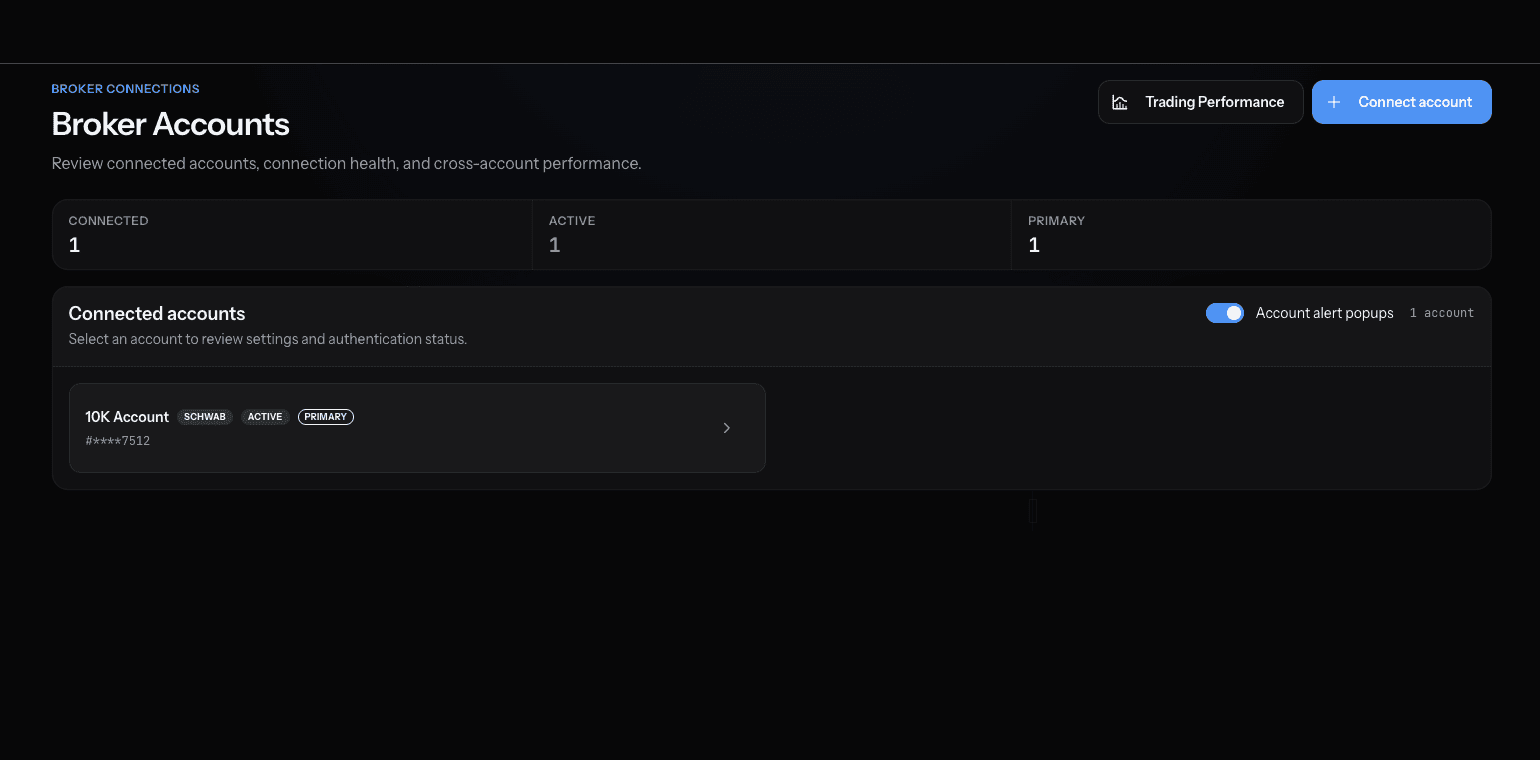
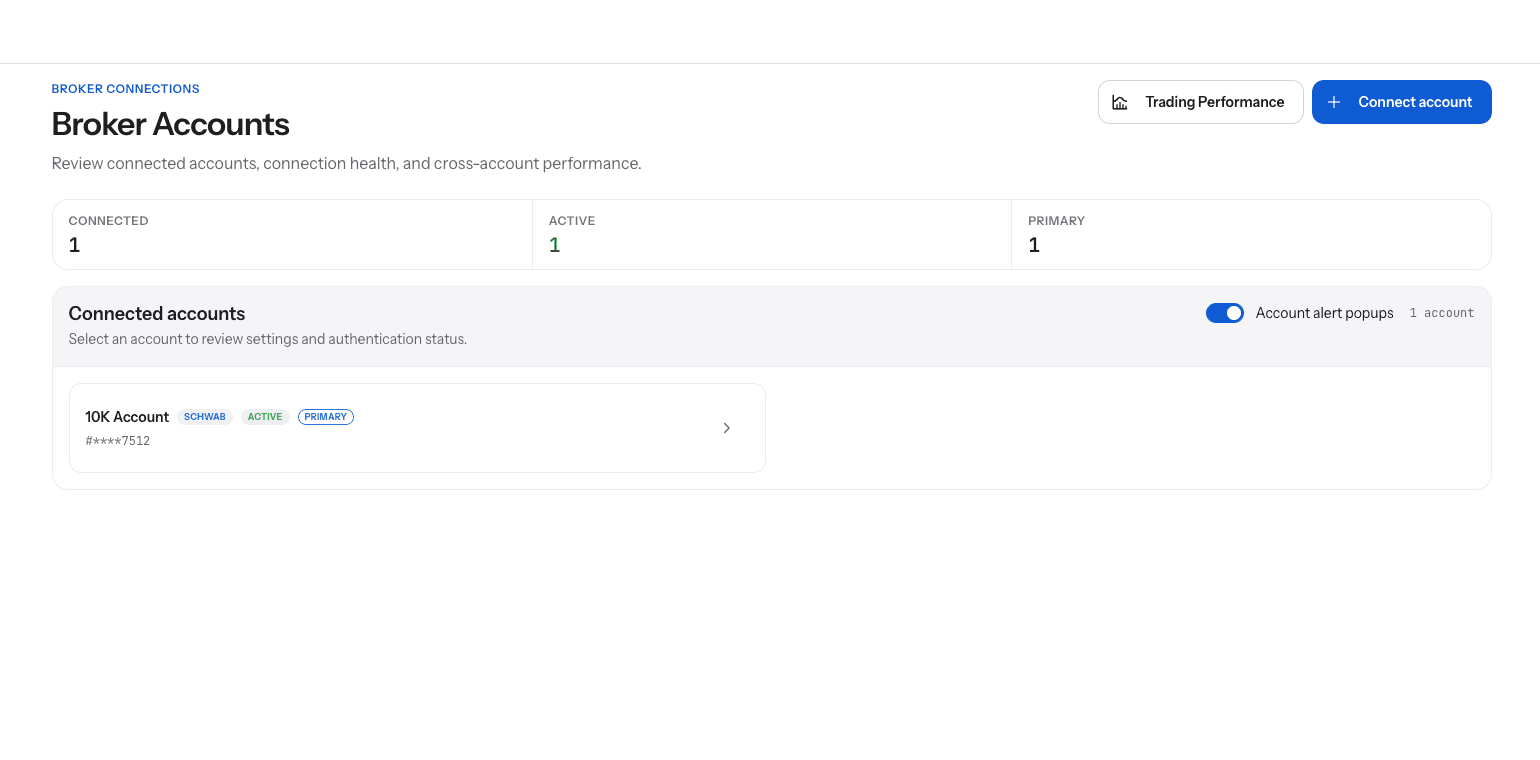
Screens from the Rainmaker app. Positions and figures are examples of the workflow, not a recommendation or a performance claim.
Choose where entries come from
Three paths, one ticket.
Your own order on the Desk: search the chain, pick the contract, and build the order yourself.
A position shared by a source you follow: it appears in your signal positions with its entry, and you decide whether to enter it.
Automatic following: for a source you choose, eligible alerts route inside the limits you set for that source. Confirm-first is the default, and automatic following is a per-source choice you make.
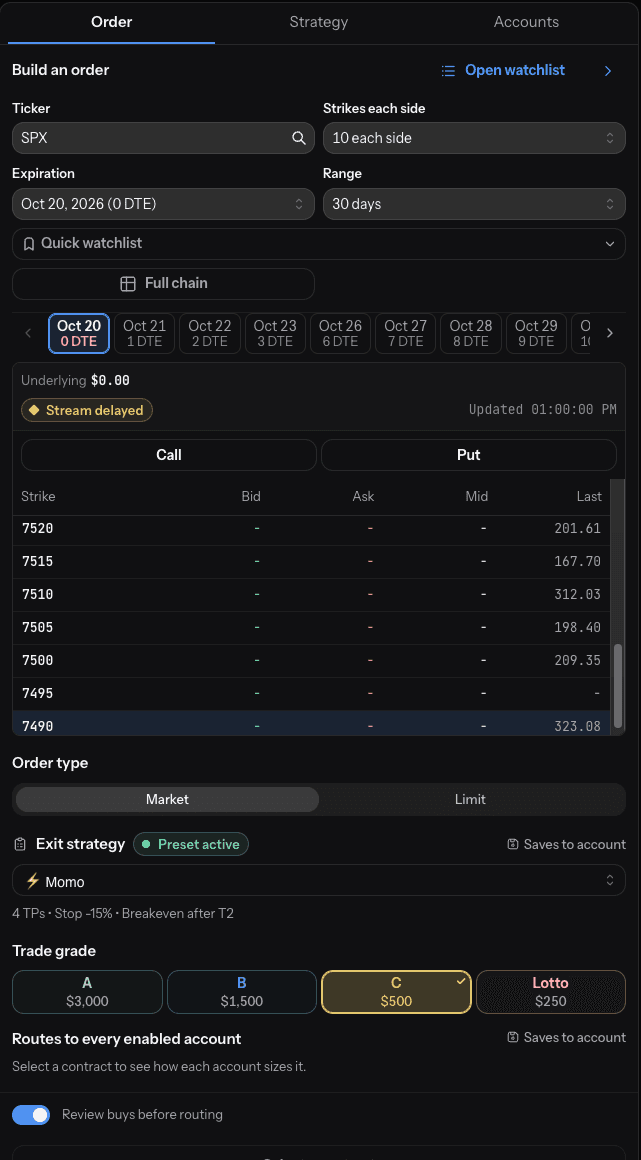
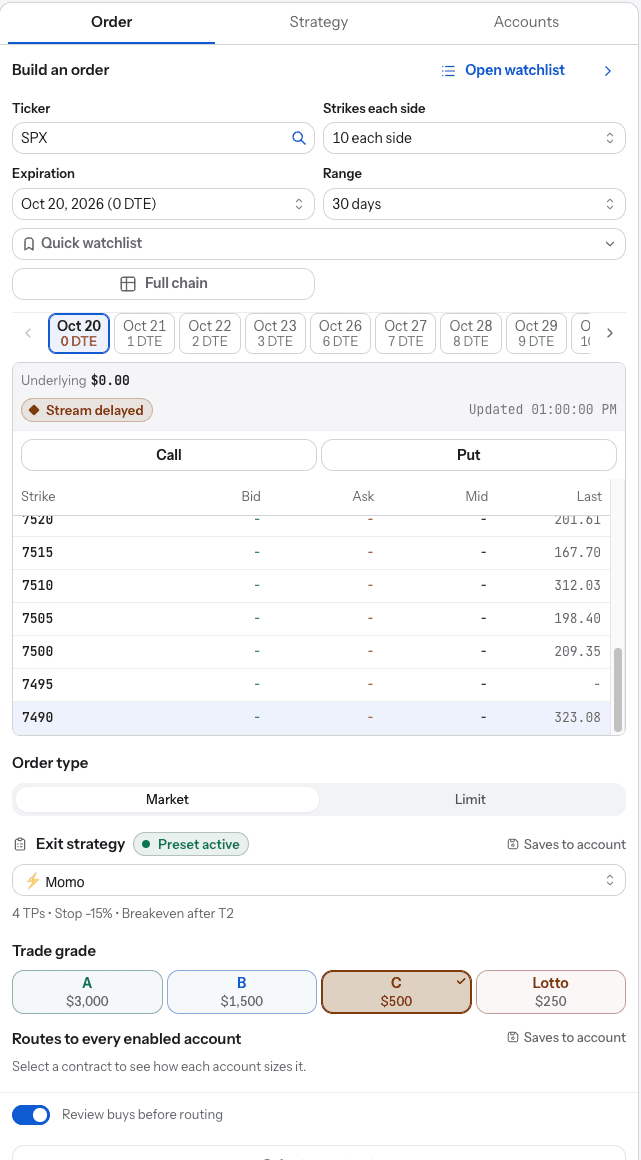
Screens from the Rainmaker app. Positions and figures are examples of the workflow, not a recommendation or a performance claim.
Third-party alerts may be inaccurate, incomplete, or delayed. Automatic following can magnify errors or cause losses before you can intervene.
Attach the plan before anything routes
The exit is decided before you enter.
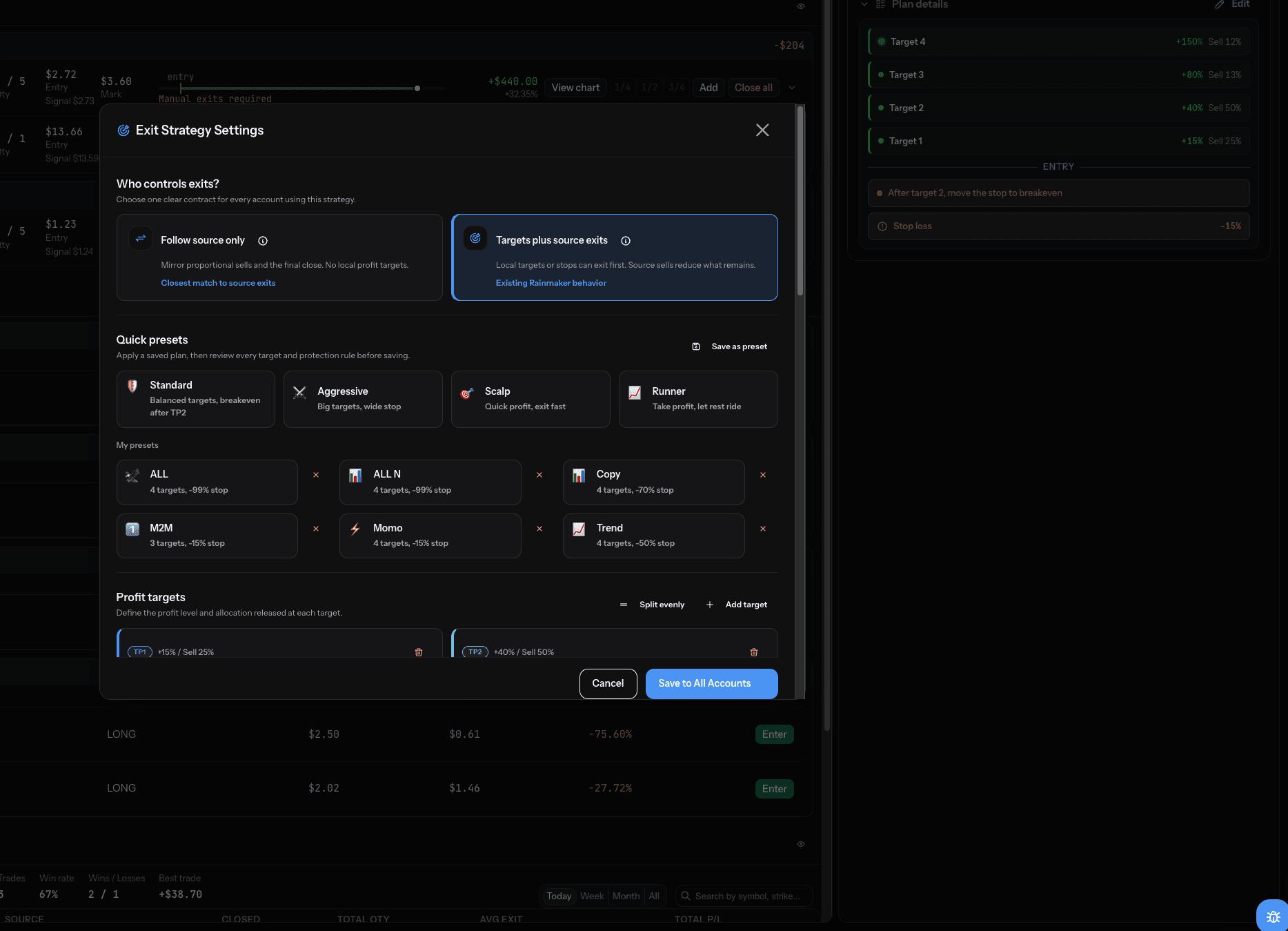
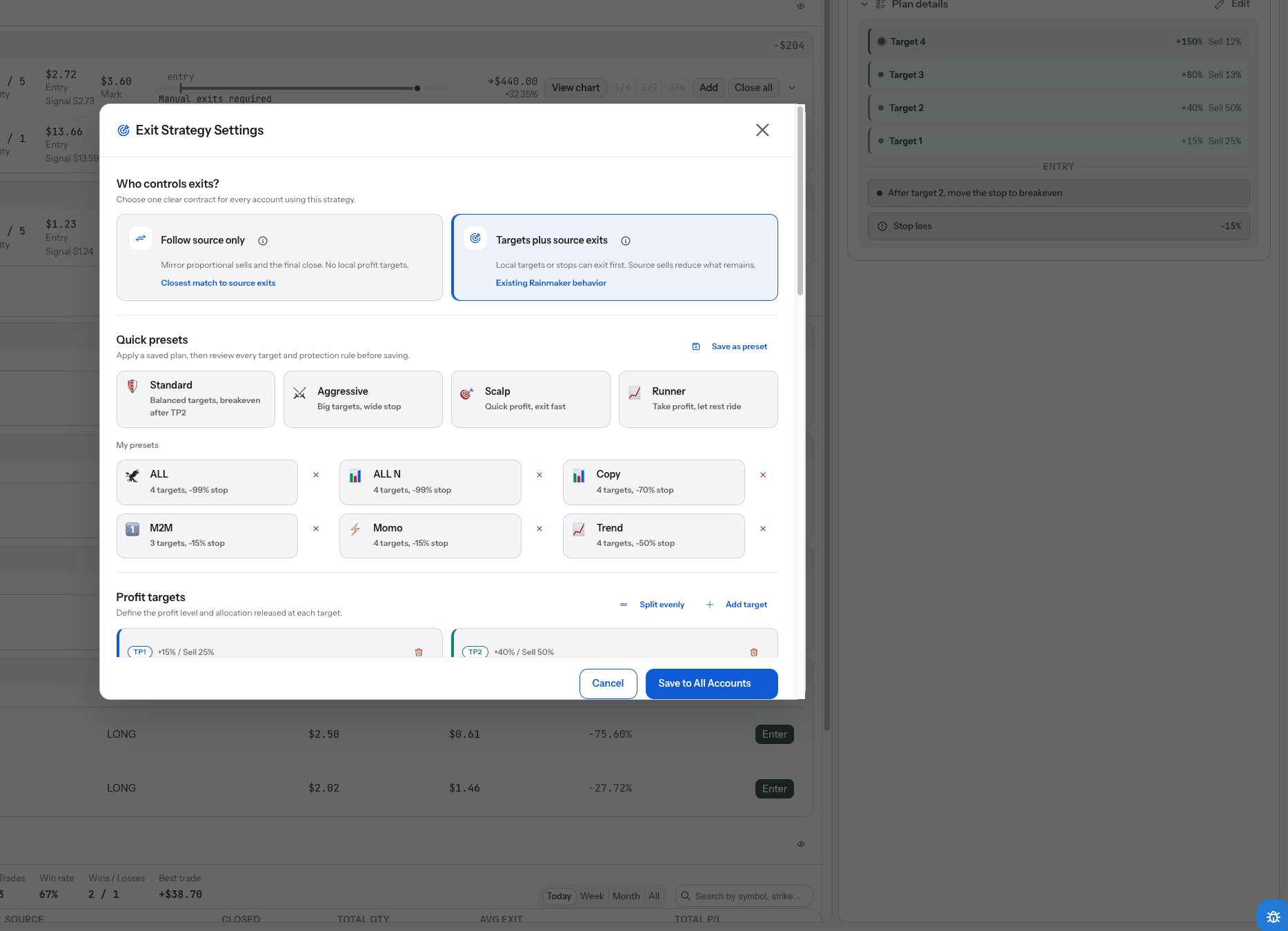
Every order carries a plan. The plan names the account, sizes the order by trade grade, sets how the entry behaves, and attaches the exit strategy. Nothing routes without one.
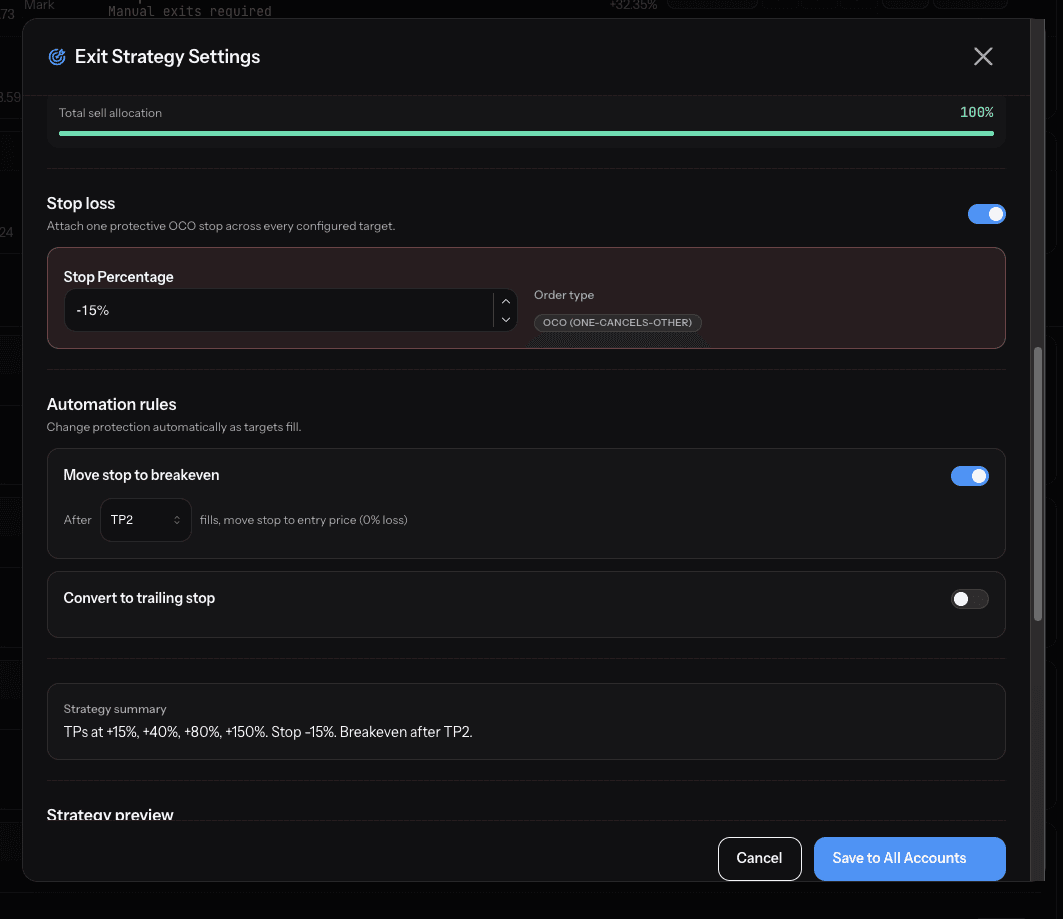
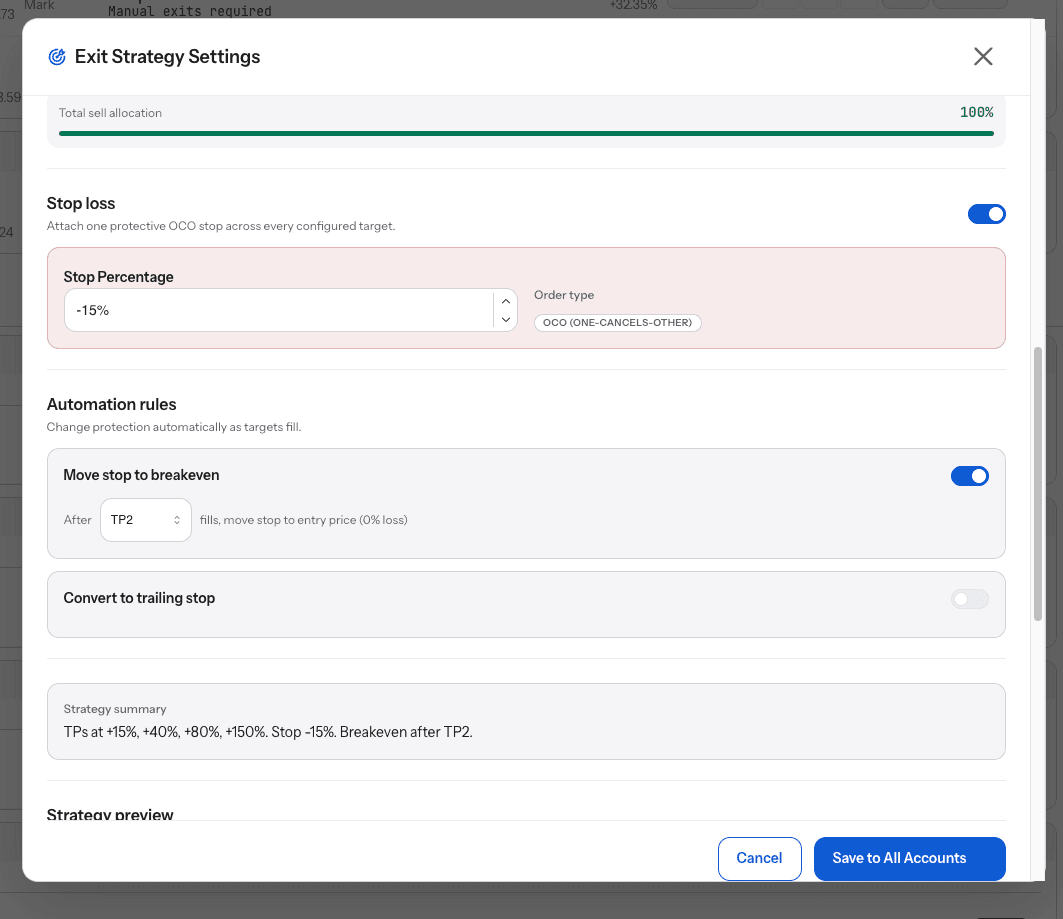
Exits are placed as one-cancels-the-other (OCO) pairs where your broker supports them: when one side fills, the other is cancelled. The exit preset you attach can be reused on every order from that account.
- Account: which connected account the order goes to.
- Allocation by grade: the most you will put into an A, B, C, or Lotto trade on that account.
- Entry behavior: market or limit, limit price tolerance, and an order timeout.
- Exit strategy: up to four targets with a sell size each, a stop, a move to breakeven, and a trailing runner.
Screens from the Rainmaker app. Positions and figures are examples of the workflow, not a recommendation or a performance claim.
Configured rules cannot eliminate loss or guarantee execution.
Rainmaker routes. Your broker executes.
Your authorization, your account, your broker.
Orders go to your broker through the authorization you granted. Your broker accepts or rejects them, routes them further, and fills them. Rainmaker displays what your broker reports.
When the entry fills, Rainmaker places the exits from your plan and manages them with your rules: a target fills, the stop steps to breakeven, the runner trails. You can change or cancel the rules on a live position.
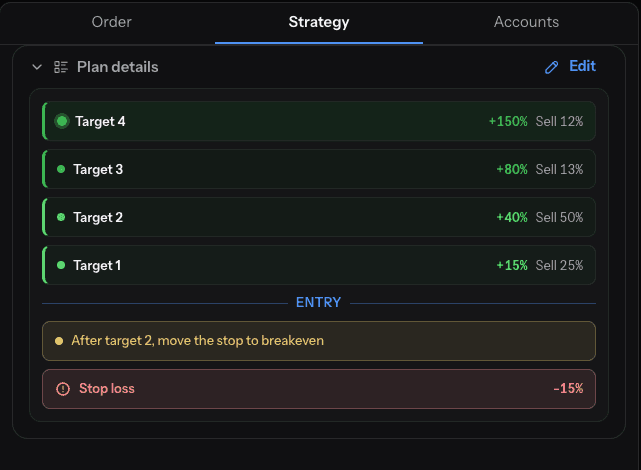
Screens from the Rainmaker app. Positions and figures are examples of the workflow, not a recommendation or a performance claim.
Execution and fills depend on broker and market conditions. Configured rules cannot eliminate loss or guarantee execution.
Positions stay visible
What is working, what filled, and what changed.
Positions show their entry, the working targets and stop, and how much is left. The activity ledger records your buys, sells, and account changes in your local time.
In-app alerts flag new signals, fills, and account changes. Sync positions reconciles what Rainmaker shows with what your broker holds.
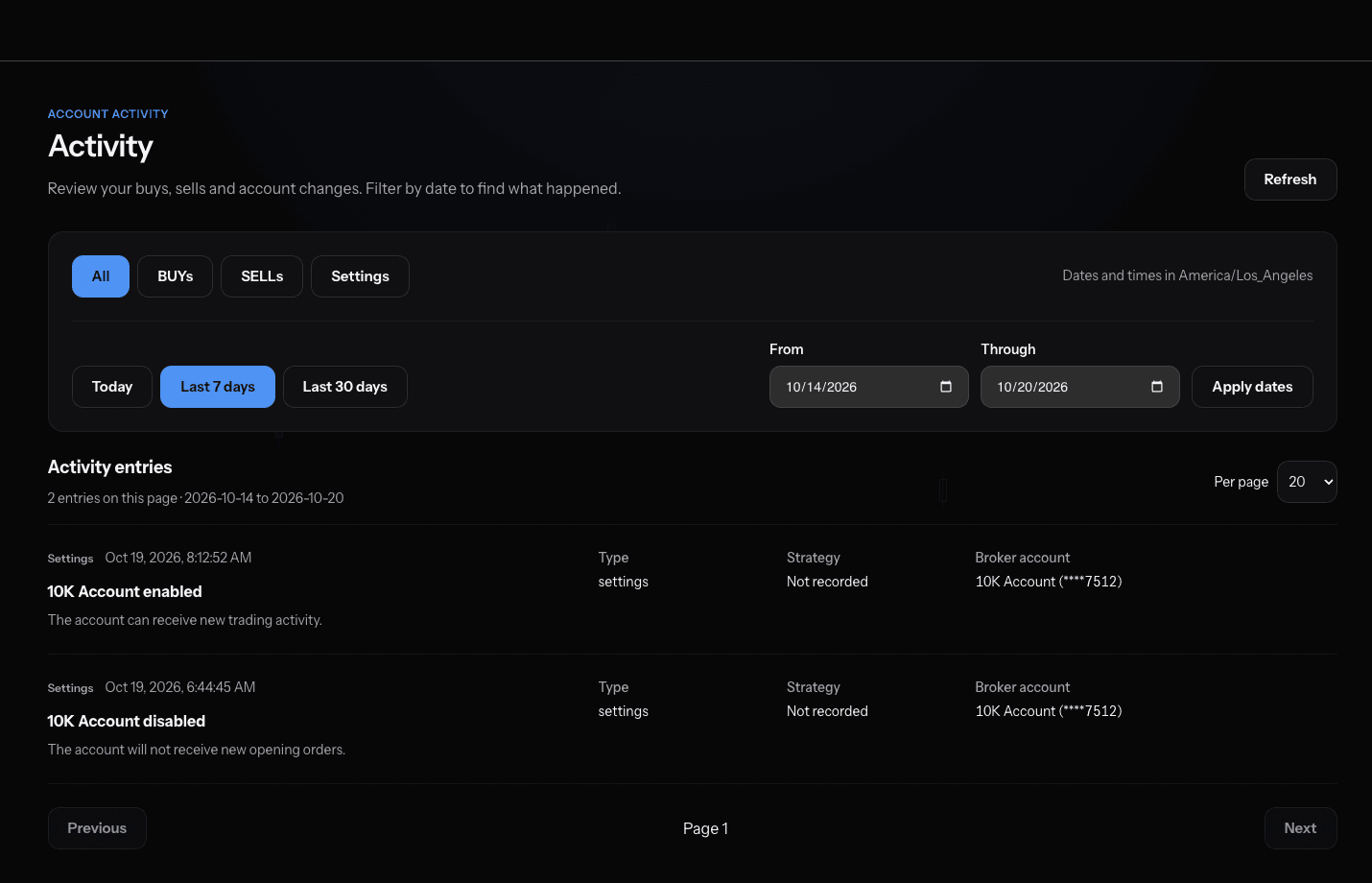
Screens from the Rainmaker app. Positions and figures are examples of the workflow, not a recommendation or a performance claim.
Review and test
Find your edge.
Performance shows how your trades did by setup, source, and time horizon, so patterns are visible rather than remembered.
The Strategy Tester replays entry and exit rules against historical signals and compares them on exit timing, stop hits, and hold time. Keep the rules you choose to use again as presets.
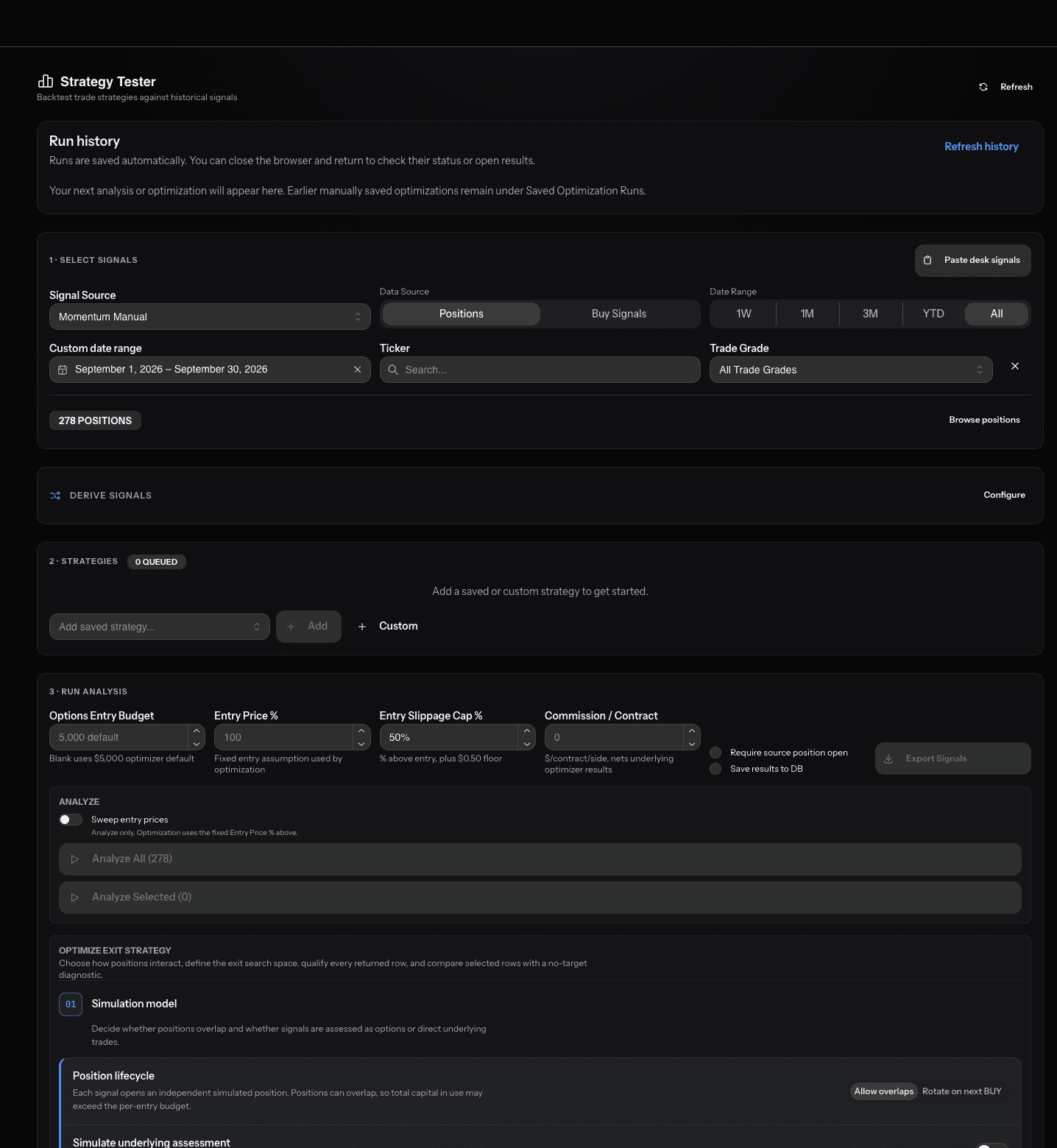
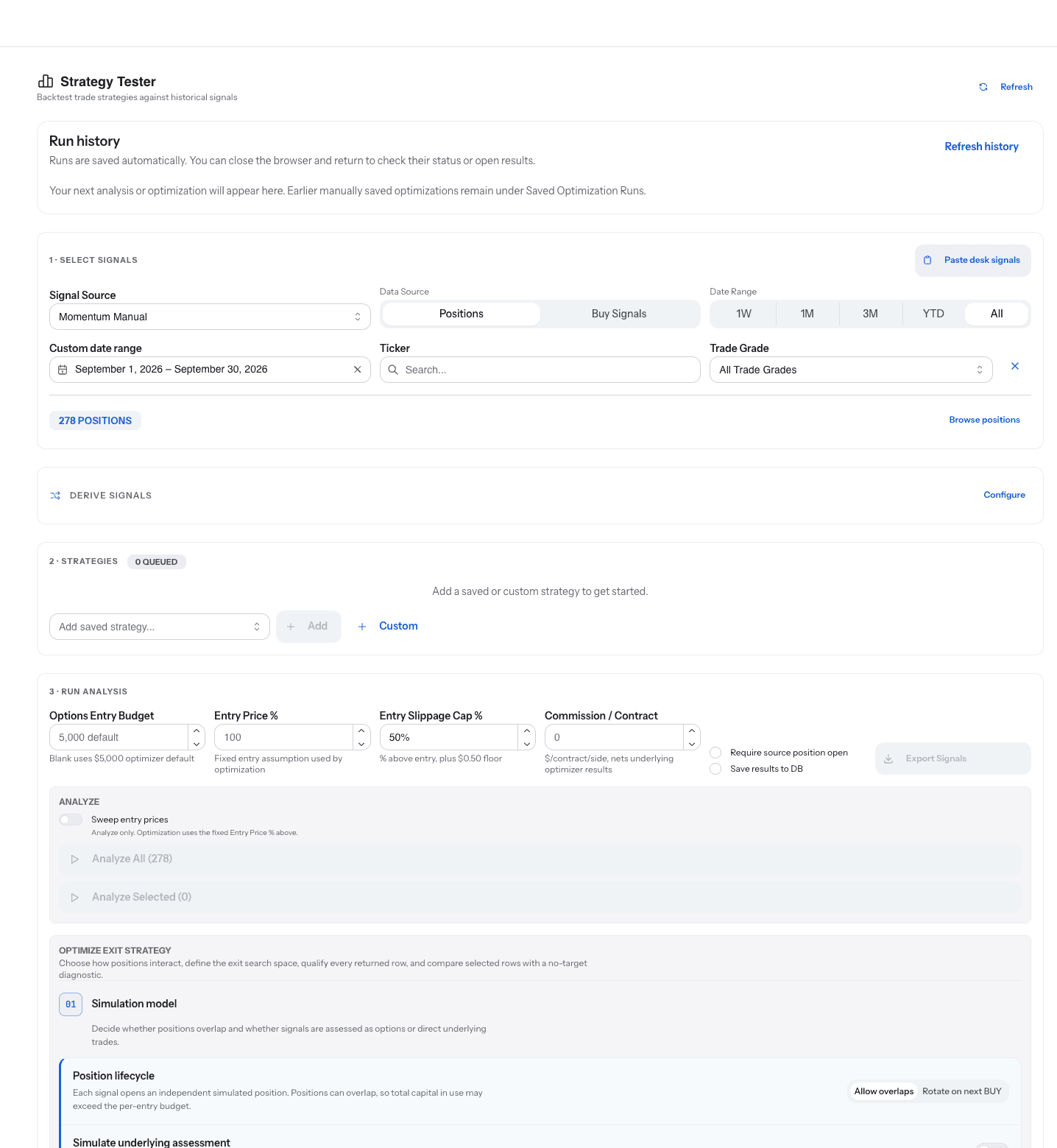
Screens from the Rainmaker app. Positions and figures are examples of the workflow, not a recommendation or a performance claim.
Historical simulations are hypothetical and do not predict future performance.
What Rainmaker does not do
The boundaries are part of the product.
Rainmaker provides self-directed technology tools. It is not an investment adviser, broker-dealer, or fiduciary, and a source you follow is a source, not an endorsement.
- No custody of funds, and no transfers or withdrawals.
- No investment advice and no recommendation of which trade to enter.
- No changes to your brokerage account settings.
- No orders outside the rules you configured, and no order without a plan attached.
Your data and your broker connection
What Rainmaker reads, what it writes, and how you take it back.
Rainmaker reads the account list, balances, positions, orders, and the quotes it needs to run your rules. It writes the orders you configured and their cancellations. It stores the broker authorization it was granted so it can keep doing both while you are away.
The authorization can be revoked at any time, from Broker Accounts or at Schwab. The waitlist stores only your first name, your email address, and an optional mobile number with a separate text-message consent.
- Reads: accounts, balances, positions, orders, and quotes.
- Writes: the orders you configured and their cancellations.
- Revoke: from Broker Accounts, or from third-party access at Schwab.
Who it is for, and how access works
Self-directed traders, options first.
Rainmaker is built for traders who want their plan to hold while the market moves: their own entries on the Desk, or sources they choose to follow within their limits. Options are supported today, through a connected Charles Schwab account. Common stock and futures are planned.
Access is a private beta that opens in waves. Join the waitlist and we bring accounts on as access expands.
Rainmaker is coming
Get ready for the next generation of trading.
Private beta opens in waves. Share your details and we'll bring your accounts on as access expands.